Hero
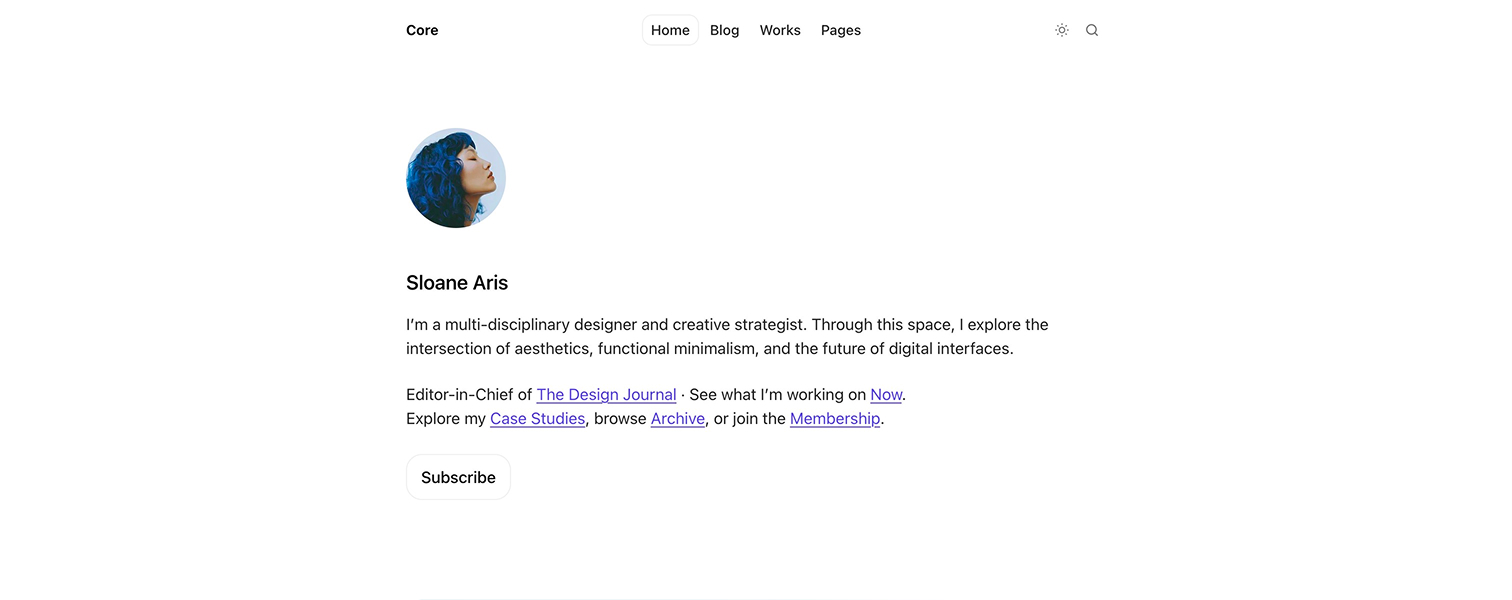
Core reads the homepage hero from a page with the slug home-hero. If that page exists, the theme uses its content to build the intro section at the top of the homepage.
How it works#
Create a Ghost page with the slug home-hero and use it to control the opening block of the homepage.
Title: main heading for the homepageExcerptorCustom excerpt: short introduction under the titleFeature image: optional visual placed above the headingPage content: optional rich text shown below the intro
If the home-hero page does not exist, Core falls back to your publication title and description.
Optional behavior#
You can add internal tags to the home-hero page to change its behavior:
#home-hero-align-centercenters the hero layout#home-hero-show-subscriptionshows the subscription form#home-hero-show-buttonshows the button below the hero content
Use #home-hero-show-button when you want a simple call to action. Use #home-hero-show-subscription when you want to collect email signups directly in the hero.
If both tags are added, the subscription form takes priority.
This setup keeps the homepage flexible while avoiding extra theme settings for everyday editorial changes.